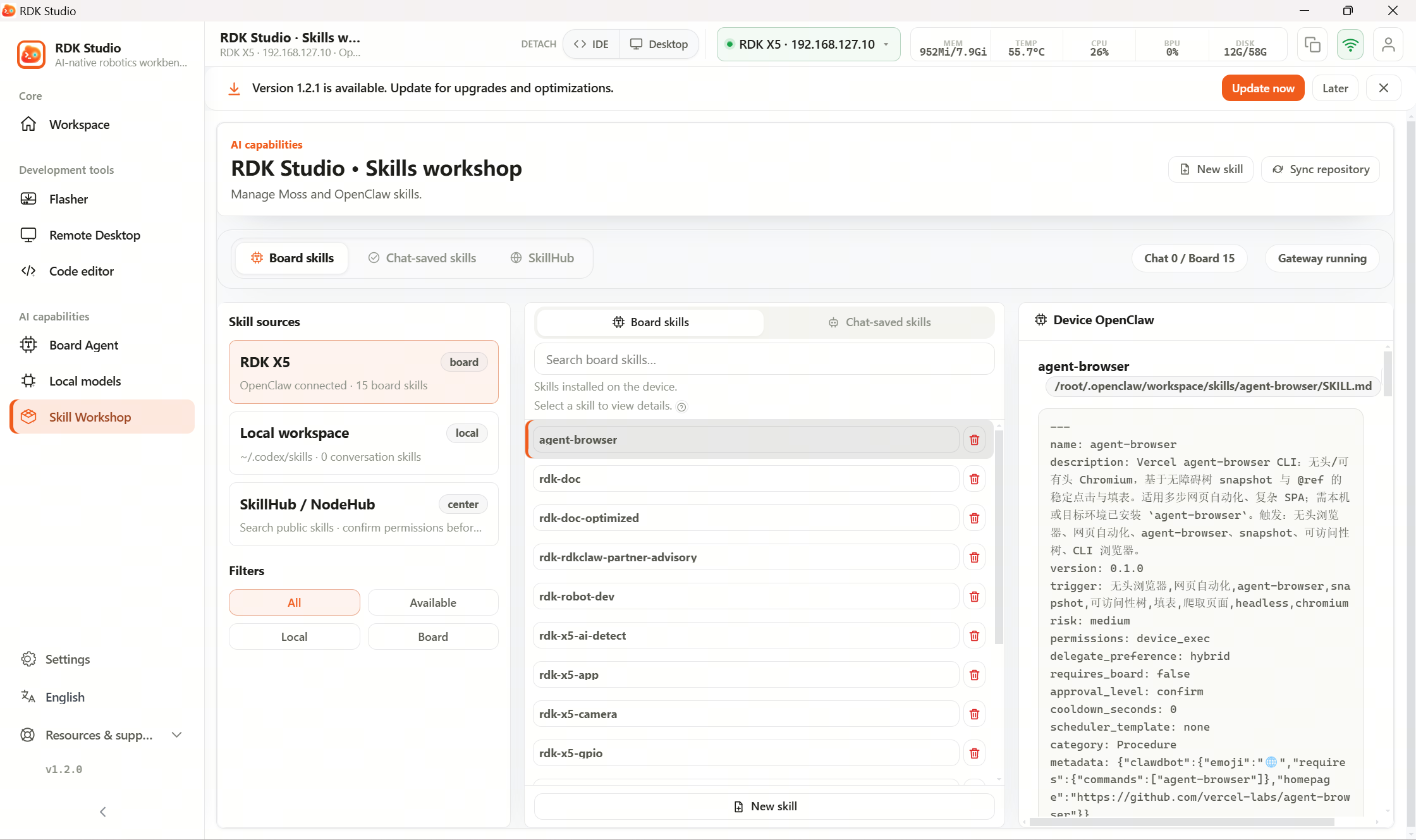
3.11.3 ClawHub Community Skills

ClawHub is the registry for SKILL.md files, analogous to npm Registry for npm packages or PyPI for Python packages. RDK Studio uses the embedded ClawHub client within the Skill Workshop to search, preview, and install skills published by third-party developers.
ClawHub shares the same underlying registry data as SkillHub—they are functionally identical, differing only in name.
Default Configuration
| Item | Default Value |
|---|---|
| Registry URL | Domestic mirror (for faster access) |
| Search Cache | 24 hours |
| Installation Directory | Same location as local skills: <repo-root>/skills/community/<skill-name>/ |
If the default mirror is unreachable, you can modify CLAWHUB_REGISTRY to another mirror or the official source in Settings → AI Engine.
Search and Preview
| Action | Path |
|---|---|
| Keyword Search | Skill Workshop → Skill Center → ClawHub Community → Top search bar |
| Browse by Category | Left-side category navigation |
| View Skill Details | Click skill name → Full SKILL.md content and frontmatter displayed on the right |
The detail page shows:
- Complete skill description and trigger
- Risk level and permission requirements
- Maintainer info (username, license, version notes)
- Last update time and download count
- Rendered view of the SKILL.md body
One-click Installation
| Action | Behavior |
|---|---|
| Install Locally | Downloads SKILL.md to local path skills/community/<skill-name>/; immediately available to the PC-side D-Moss Agent |
| Deploy to Device | Syncs to the device-side OpenClaw workspace via OpenClaw; usable by the on-device Agent |
| Batch Deployment | Select multiple skills → Batch Install; installs sequentially |
After installation, Studio automatically scans the skill directory—new skills become immediately available without restarting the client.
Uninstallation
| Entry Point | Action |
|---|---|
| Skill Workshop → Installed List | Select skill → Uninstall |
| Direct File Deletion | Delete the skills/community/<skill-name>/ directory, then refresh the Installed list |
Uninstallation only removes the SKILL.md file and does not affect other skills or Agent behavior.
Handling Empty Search Results
If a ClawHub search returns no results:
- Verify network connectivity to the ClawHub domain (if the default mirror is unreachable, try switching mirrors)
- Use broader keywords (e.g., replace "BPU debugging" with "BPU")
- Check if filters are active (e.g., device type, category)
- The skill may genuinely not exist on ClawHub—consider creating one yourself; see 3.11.4 Creating and Importing Skills
Let AI Help You Find Skills
Describe your need in the AI Dock: "Is there a skill that helps me debug a USB camera?" The Agent will search both the built-in catalog and ClawHub, present a few candidates with brief capability summaries, and install the selected skill upon your confirmation.