RDK Audio Kit user manual
The RDK™ Audio Kit is an audio development kit that supports full-duplex multi-channel recording and playback. It is suitable for audio processing such as echo cancellation, sound source localization, and far-field pickup, and can be widely used in scenarios such as smart conferencing, voice interaction, and robot hearing.
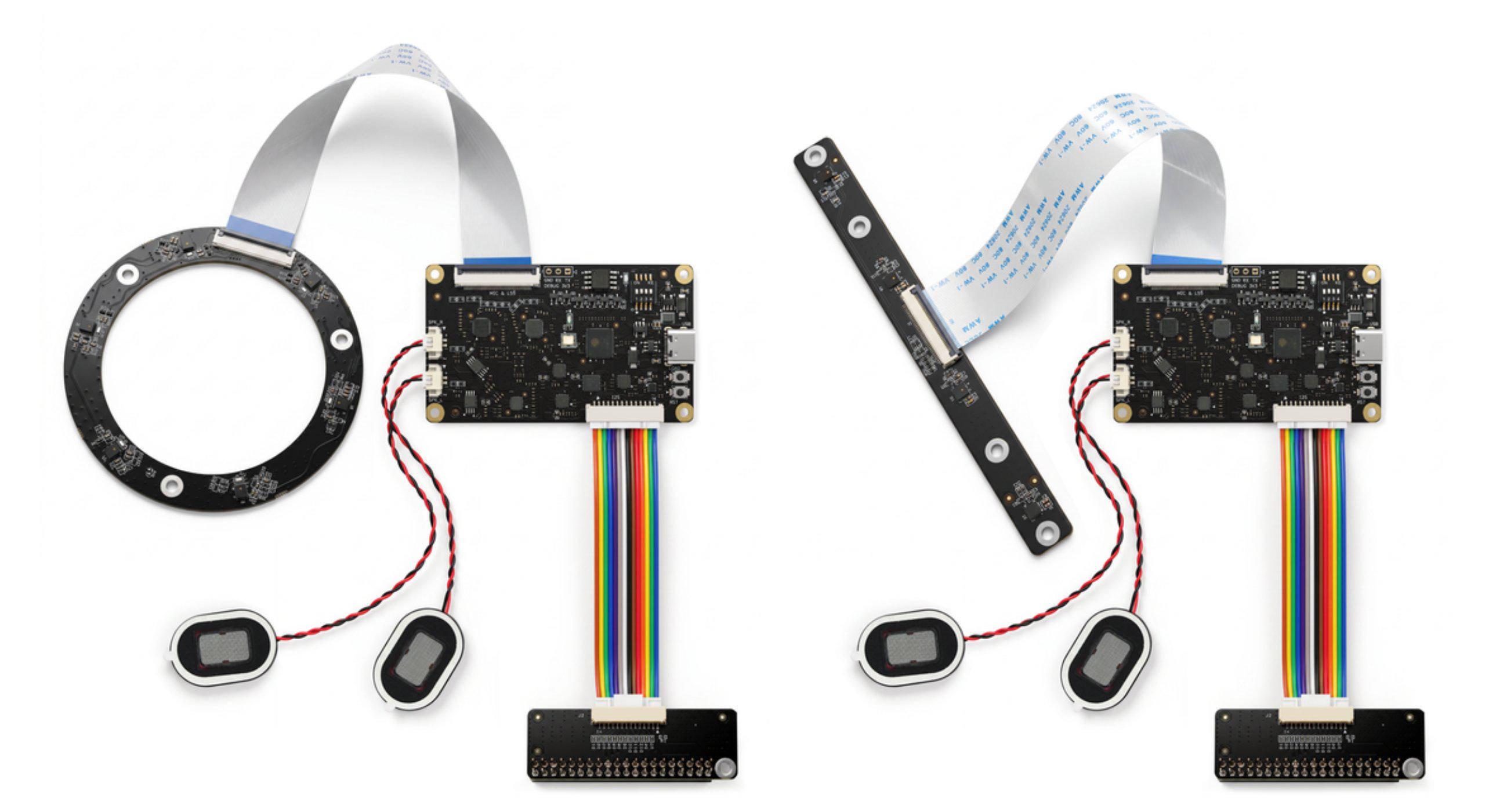
Key features
- Full-duplex multi-channel recording and playback: independent recording and playback nodes support simultaneous operation.
- USB / I2S dual-mode switching: supports USB and I2S modes, as well as single- or dual-channel I2S modes.
- 4-Mic / 6-Mic microphone arrays: supports 4-Mic or 6-Mic arrays, up to 6 microphone inputs.
- 8-channel synchronized sampling: 6 microphone inputs + 2 amplifier loopback feedback.
- Wide sample rate range: supports standard sample rates from 8 kHz to 96 kHz.
Contents
-
Product introduction
Introduces the kit contents, board compatibility, hardware interface overview, and key specifications. -
Installation
Provides the packing list and explains how to connect the expansion board, mic array, speakers, and development boards, plus USB mode configuration. -
Quick start
Covers hardware/software configuration and driver loading for each board, then demonstrates multi-channel recording, stereo playback, and full-duplex recording/playback, with next-step guidance. -
Hardware description
Describes the mounting instructions and the pin definitions for each hardware interface. -
Downloads
Provides 3D model files for the expansion board, adapter, and mic arrays.